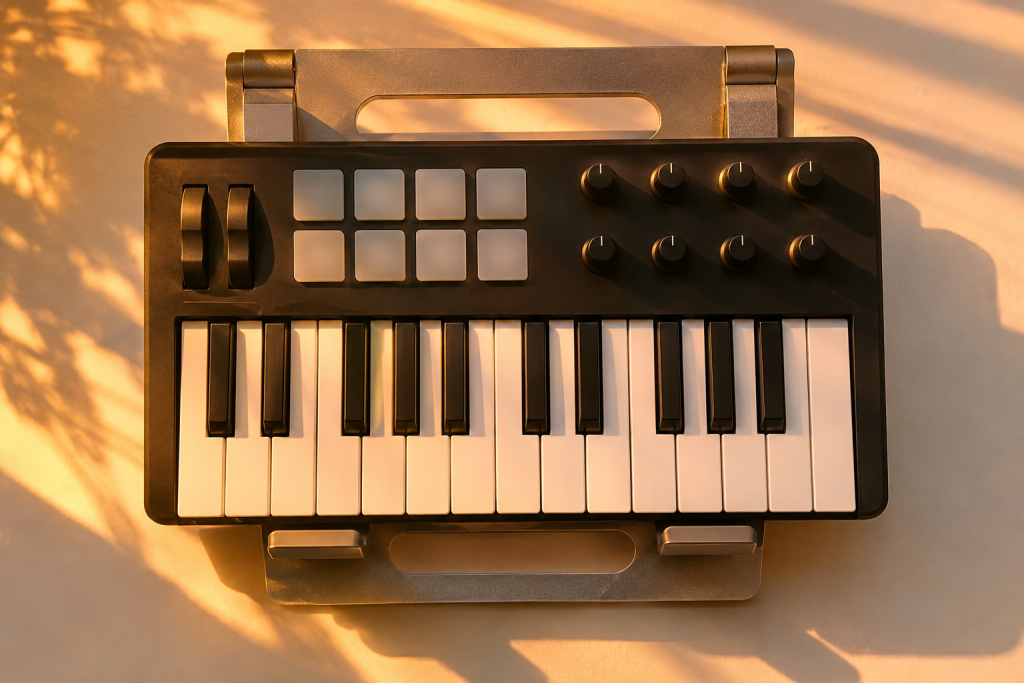
Wave Theory is a MIDI generator from BangZilla that takes a drawn waveform shape and converts it into note data. It costs $59 and there’s a 14-day trial. I got hold of it because the pitch is interesting to me: not another sequencer with a grid, but a shapes-to-notes idea where the contour of a curve decides where the melody lands.
My interest is narrow. I care whether a tool gives me a phrase I couldn’t have played, and whether that phrase sits on a groove without me spending an hour dragging notes around. Melody plugins often fail the second test.
So that’s the angle here. What the shape actually does, where it wins, and where it gets in the way.
What the plugin actually does
The concept is straightforward once you’ve used it for ten minutes. You draw a waveform on a grid. The vertical position of the curve maps to pitch and the horizontal position maps to time. Peaks and troughs become note events in the outgoing MIDI stream.
That’s the core. No piano roll, no step buttons. You draw with a mouse, the curve decides the intervals, and notes come out the other end. Because it’s MIDI, the sound is whatever instrument you’ve got loaded. Point it at a bass patch and draw a slow undulating line and you get a rolling sub part. Point it at a pluck and draw something jagged and you get a stuttering motif.
What I like about this approach is the disconnect from music theory. I know my scales. Drawing a shape and hearing what falls out bypasses the habits I’ve built up over years, and sometimes that’s exactly how you land on a phrase you wouldn’t have written. It’s the same reason I enjoy graphical modulation tools. Once you stop thinking in semitones, the melodies get stranger and occasionally better.
BangZilla aren’t the first to try this. The sound design crowd has been pushing visual, non-linear interfaces for a while. The Visco sampler is a good example: it turns drum samples into a 2D grid you manipulate like a design file, pulling and blending sound with your hands rather than with a sequencer. That whole school of interface design, where you shape a visual object and the audio follows, is where Wave Theory sits. It’s a different tool, but the same instinct.
Where it fits in a house workflow
Straight techno and house don’t need much melody. When a track does want a hook, I usually want something short and repetitive that can survive an eight-bar loop without getting boring. That’s where a tool like this earns its keep for me.
Draw a modest curve, keep the range tight, and let it run through a filtered synth stab. You get a motif with movement you didn’t have to compose. For a genre built on small variations over long stretches, that’s useful. If the output has an internal rhythm to it, you can nudge the whole thing to sit against your kick.
Don’t expect it to be your bassline engine if your low end is doing the ducking-and-pumping thing, though. A generated melodic line has to lock to the same grid as your kick and sub, and a simple waveform shape doesn’t automatically know where your downbeat is. You’ll still be doing that work in the piano roll or with your clip settings.
What I don’t love
The drawing interface is the thing that sells it and the thing that will annoy you. If you’re used to a piano roll, working by curve feels imprecise. You can’t easily nudge one note a semitone without redrawing the section around it. There’s no “undo one note” the way there is in a normal editor.
That trade is fine for sketching and bad for surgery. My honest split: use it to generate ideas, then export the MIDI and do the polishing in your DAW. Most producers I know who use randomisers and generators treat them exactly that way. The generator gets you 80% there and the piano roll finishes the job. If Wave Theory is designed as a sketchpad, good. If it’s meant to replace editing, it isn’t there yet.
I also don’t have comprehensive information on the finer points: velocity behavior, the resolution of the step grid, how it handles scale quantisation. Those details matter for real workflow, and I won’t pretend to have tested features I haven’t. A trial is the only way to judge them.
The $59 question
Pricing is interesting here. The wavetable and creative synth market is crowded. Kilohearts’ stuff runs much higher, and free wavetable instruments like Vital deliver production-grade synthesis without a penny, just capping you at a few custom wavetable slots. None of those are direct competitors. They make sound; Wave Theory makes notes. But it does mean the competition for a producer’s plugin cash is ferocious.
Fifty-nine dollars is cheap for a paid MIDI generator. It’s more than the zero dollars of free options, and those options are more established. What you’re paying for is the workflow, not the sound. The sound comes from whatever synth you route it into, which means this plugin’s value rises and falls on whether the interface actually makes you write better. That’s personal.
The 14-day trial is the right way to decide it. Spend a few sessions drawing shapes over a kick and a bass, listen back, and be honest about whether the results are better than your usual approach. If you’re the kind of producer who writes the same melody patterns repeatedly, this is a good way to break the habit. If you already have a melodic process you trust, it may just sit in the folder.
Bottom line
I’d buy this if I wanted a fast way to generate melodic variations I didn’t have to think my way into. I wouldn’t buy it expecting a full composition tool or a replacement for a piano roll. It’s a sketchpad with a nice interface.
The design philosophy is sound. The execution, for the parts I tested, is good enough for putting something on a groove and moving on. Buy the trial first. Play with it, and let the output tell you. If the shapes make you write anyway, that’s the verdict. If it’s just fun for twenty minutes, save your money.